
Introduction to Bus Simulator Indonesia for IOS
Driving games are more than just entertainment — they give people a sense of control, freedom, and escape. For those who enjoy calm, realistic gameplay, bus simulators are a perfect match. But if you’re an iPhone or iPad user, you’ve probably noticed how limited the options are. Most driving games on iOS focus on racing or unrealistic action, not everyday driving. Even the few bus games that exist often feel empty, with stiff controls, poor graphics, or limited features.
This is where Bus Simulator Indonesia (BUSSID) brings something different — a smooth, detailed, and highly realistic driving experience made for real bus lovers. It lets you explore actual Indonesian cities, hear local sounds and drive in a setting that feels grounded and authentic. The game is official, well-optimized, and built with a focus on immersive driving experiences.
However, it’s important to understand that there is no modded version of Bus Simulator Indonesia available for iOS. Mod features like unlimited money, custom vehicles, or unlocked content are only supported on Android through APKs, which iPhones do not allow. Still, the official iOS version offers plenty of features to enjoy without needing any tweaks or modifications. For users who want a clean, stable, and real bus driving experience — BUSSID ios is a solid choice
Quality Features of Bus Simulator Indonesia IOS
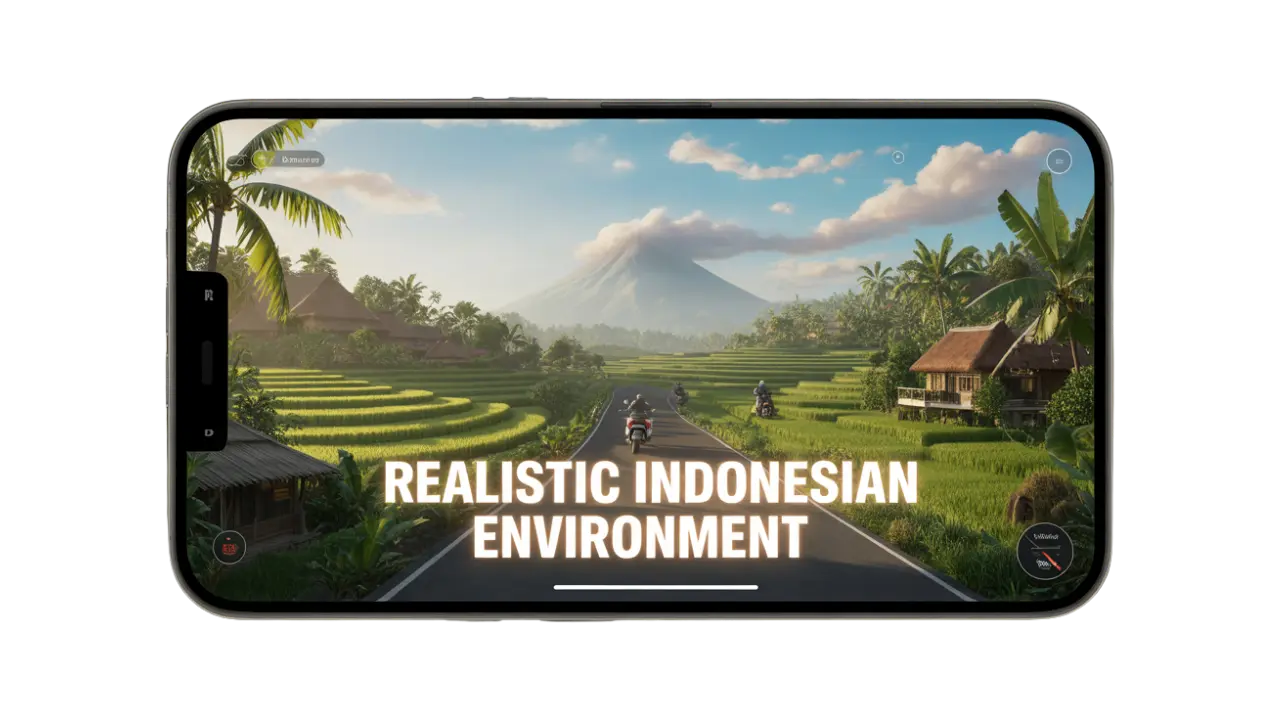
Realistic Indonesian Environment
What makes Bus Simulator Indonesia stand out is its strong cultural connection. You’ll drive through real city names, local streets, and landmarks that reflect everyday life in Indonesia. From street vendors to traffic signs in the local language, everything feels natural and true to the region. Even the sounds, like horns and traffic noise, are inspired by real-life driving in Indonesia. It’s not just a game — it’s like a digital road trip through Indonesia.
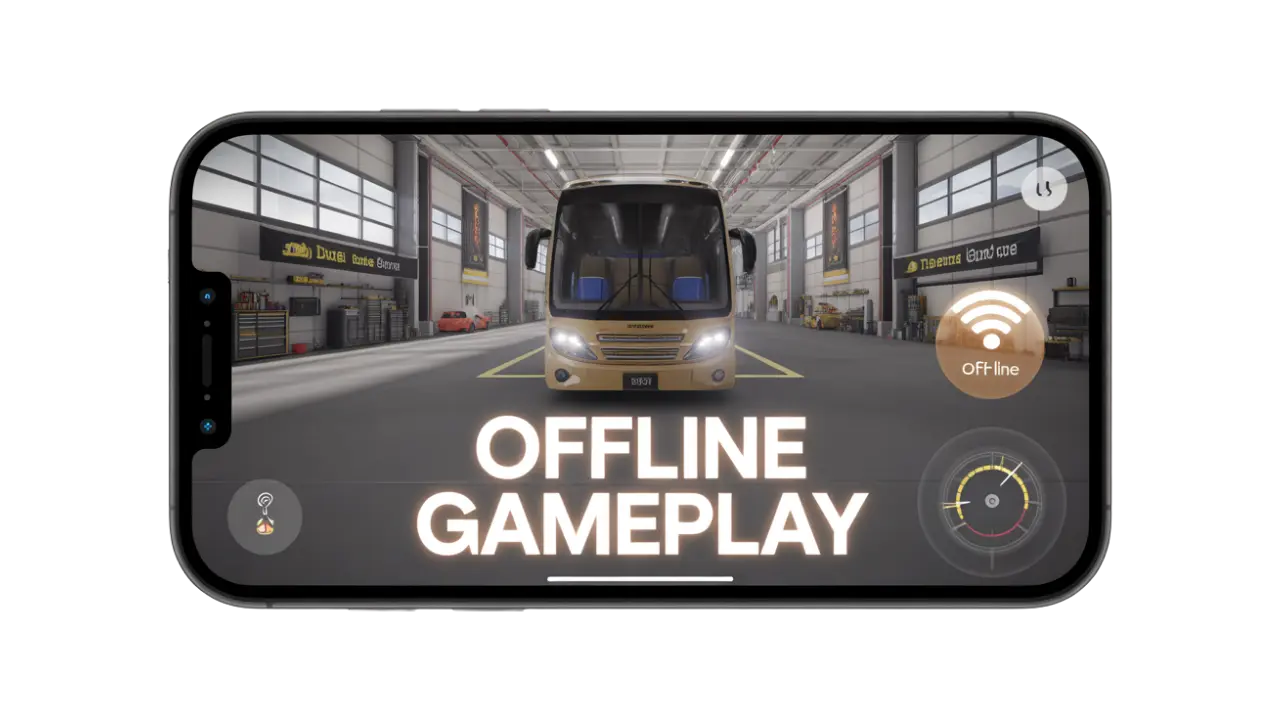
No Internet? No Problem
In a world full of apps that constantly require data or Wi-Fi, BUSSID gives you freedom. You can play completely offline — no login screens, no waiting for servers, no annoying ads popping up when your signal drops. Whether you’re on a road trip, sitting at school, or somewhere with poor connection, the game is ready when you are. This makes it one of the few reliable bus simulator games that’s always there, even without internet access.
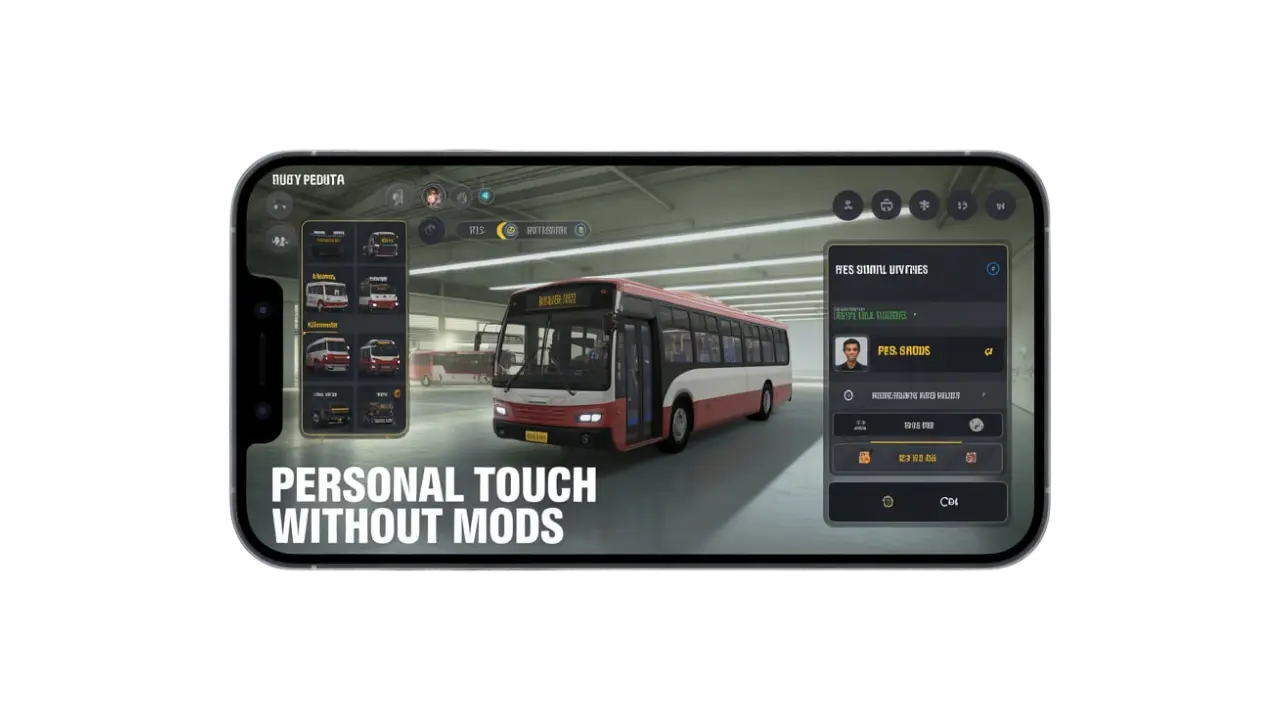
Personal Touch Without Mods
Even though iOS doesn’t support modded versions, the official game still gives you plenty of ways to make it your own. You can choose your own bus, design your driver profile, and even add unique liveries using in-game tools. This gives every player a personal connection to their ride and makes the game more fun. It’s a creative way to express yourself while staying within the official app limits.
Optimized for iPhone and iPad
The iOS version runs smoothly, even on older devices. Controls are responsive, steering is easy to manage, and gameplay feels clean with zero lag. The layout is touch-friendly, with steering, braking, and acceleration designed to work naturally with your fingers. Unlike many simulator games that stutter or crash, this one stays smooth from start to finish. It’s built to give iOS users the same high-quality experience Android users enjoy.

Frequently Asked Questions
How to Install Bus Simulator Indonesia IOS (Safe & Free Method)
- Open the App Store on your iPhone or iPad
Unlock your device and tap the App Store icon to launch it. Make sure you have a stable internet connection for a smooth download process. - Search for “Bus Simulator Indonesia”
Use the Search tab and type the game’s name. Look for the version developed by Maleo, which is the official and safe release. - Tap “Get” and confirm your download
Once you find the game, tap the “Get” button next to it. Use Face ID, Touch ID, or your Apple ID password to confirm the download if prompted. - Wait for the installation to complete
The game will download and install automatically within a few minutes. Stay on the App Store or home screen until the process is done. - Launch the game and start playing
Find the BUSSID icon on your home screen and tap it to open the game. No sign-up is required — just customize your settings if you’d like, and start driving right away.
Conclusion
Bus Simulator Indonesia for iOS is officially available on the App Store, but there’s no modded version for iPhone or iPad. Despite the lack of mods, the game offers an authentic and smooth driving experience with real Indonesian cities, detailed routes, and full bus customization options. iOS users can fully enjoy the game without any need for third-party tweaks or risky downloads. It’s a safe, fun, and immersive option for those who love bus simulation games.
If you want the same fun on a bigger screen? Check out our guide to download Bus Simulator Indonesia for PC and enjoy Bussid with more comfort and control.